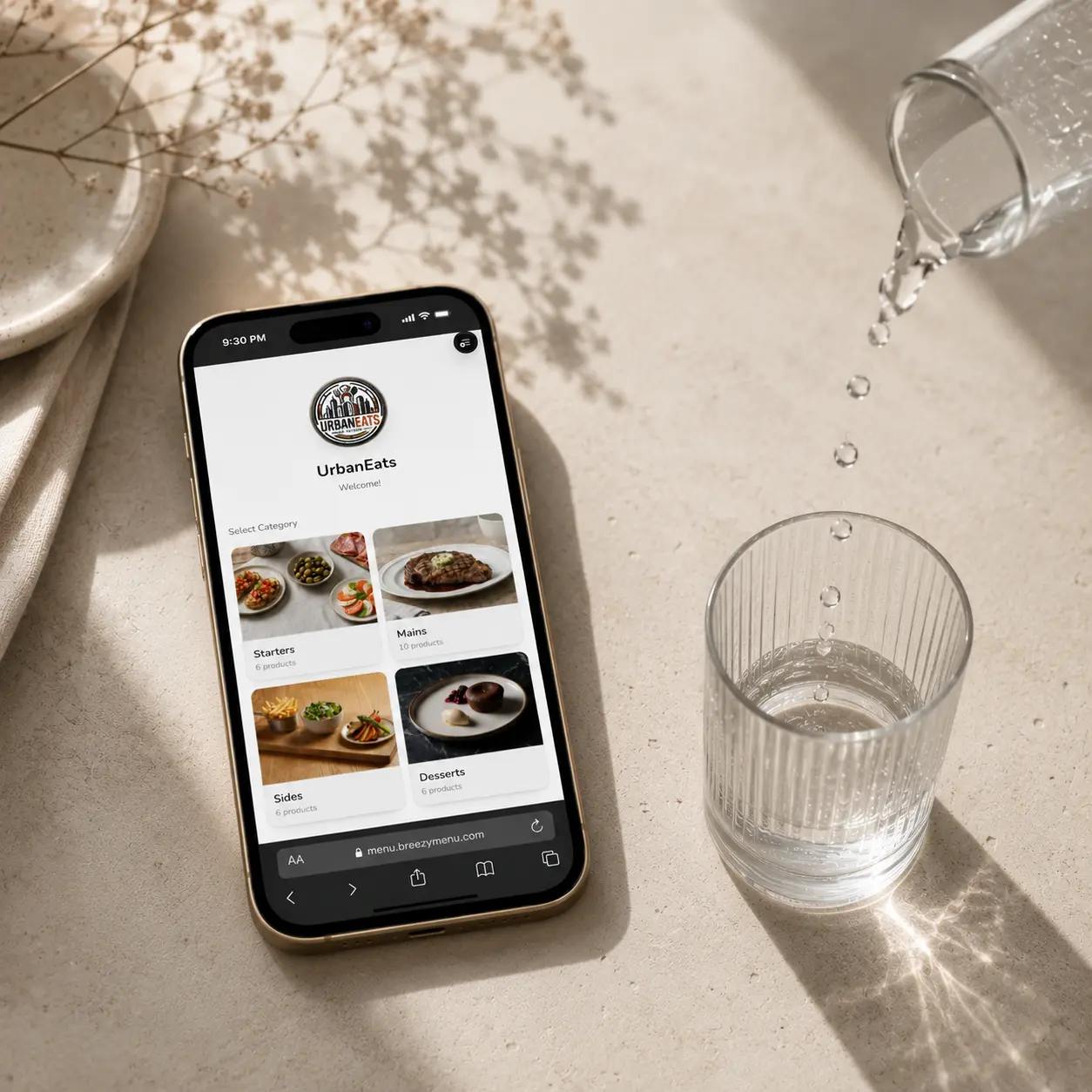
Menus thatelevatethe experience.

Create elegant, multilingual digital menus with allergens, images, and live updates. All it takes is a QR code.
  • No credit card
  • Setup in 10 minutes
  • Works on any device
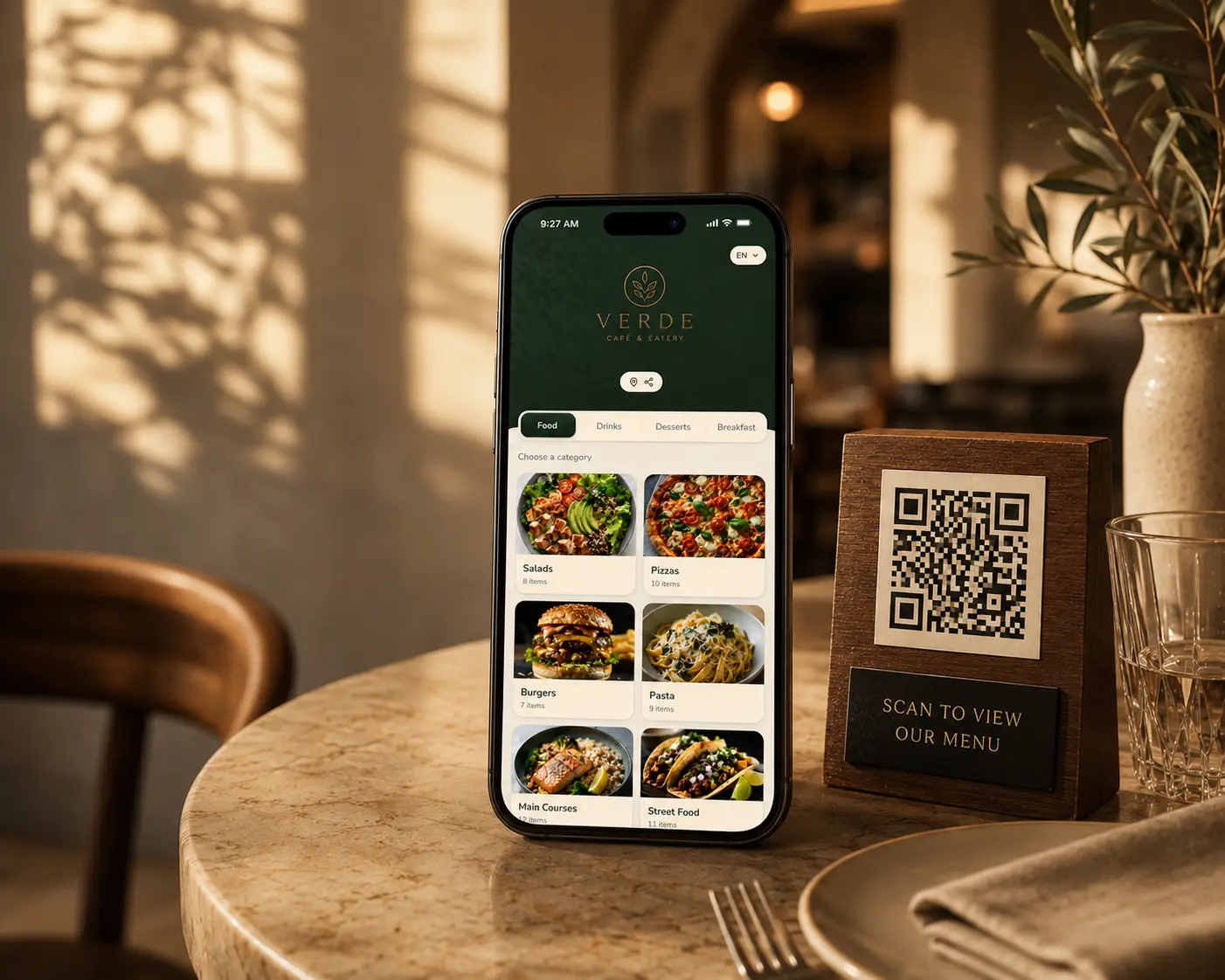
A BreezyMenu digital menu open on a phone beside a wooden QR stand on a warmly lit restaurant table

Trusted by venuesacross Europe

4.9/ 5 · 200+ reviews
  • La PetiteParis
  • Oak & Co.Coffee House
  • RivieraRestaurant
  • MokuSushi
  • VinoWine Bar

What guests notice

Every scan should feel like the restaurant, not a workaround.

BreezyMenu puts the operational bits behind a polished guest surface: translations, allergens, updates, QR codes, and brand styling all move together.

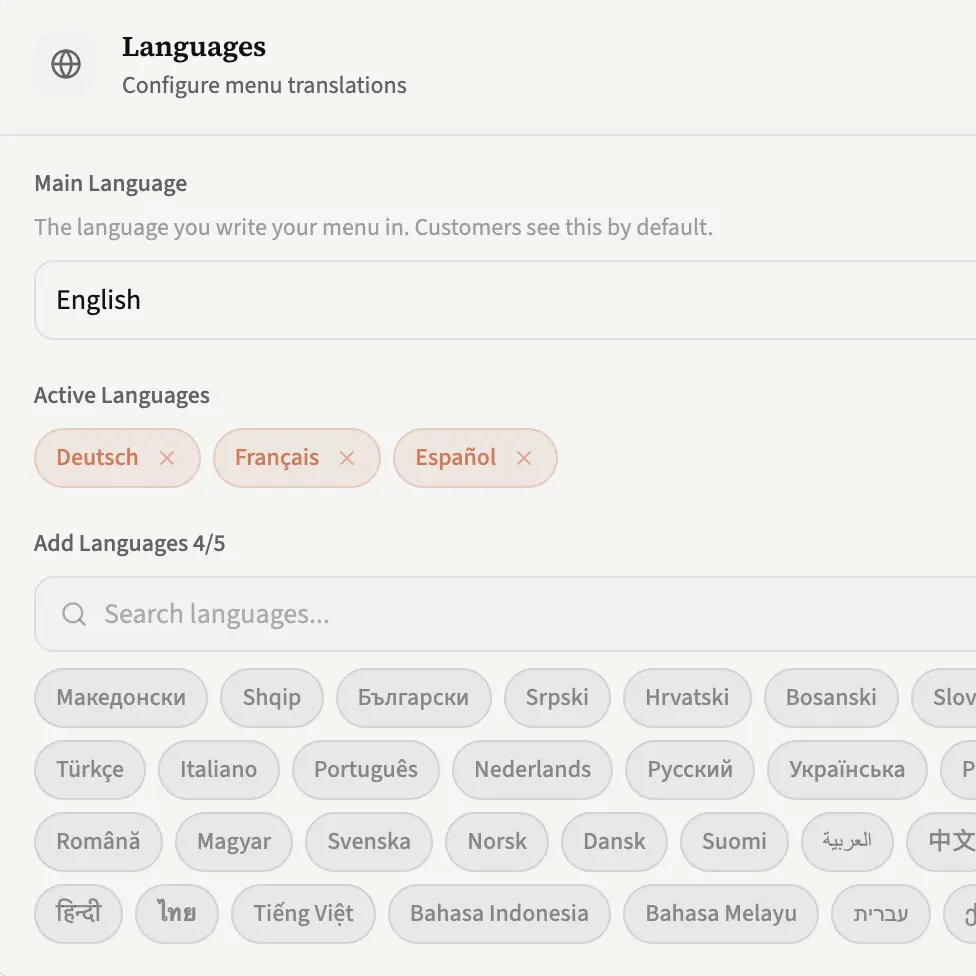
BreezyMenu editor showing the same dish translated across five languages

41 languages

Multilingual menus

Switch guest languages without rebuilding the menu. Translate once, keep every dish synced, and review the copy before it goes live.
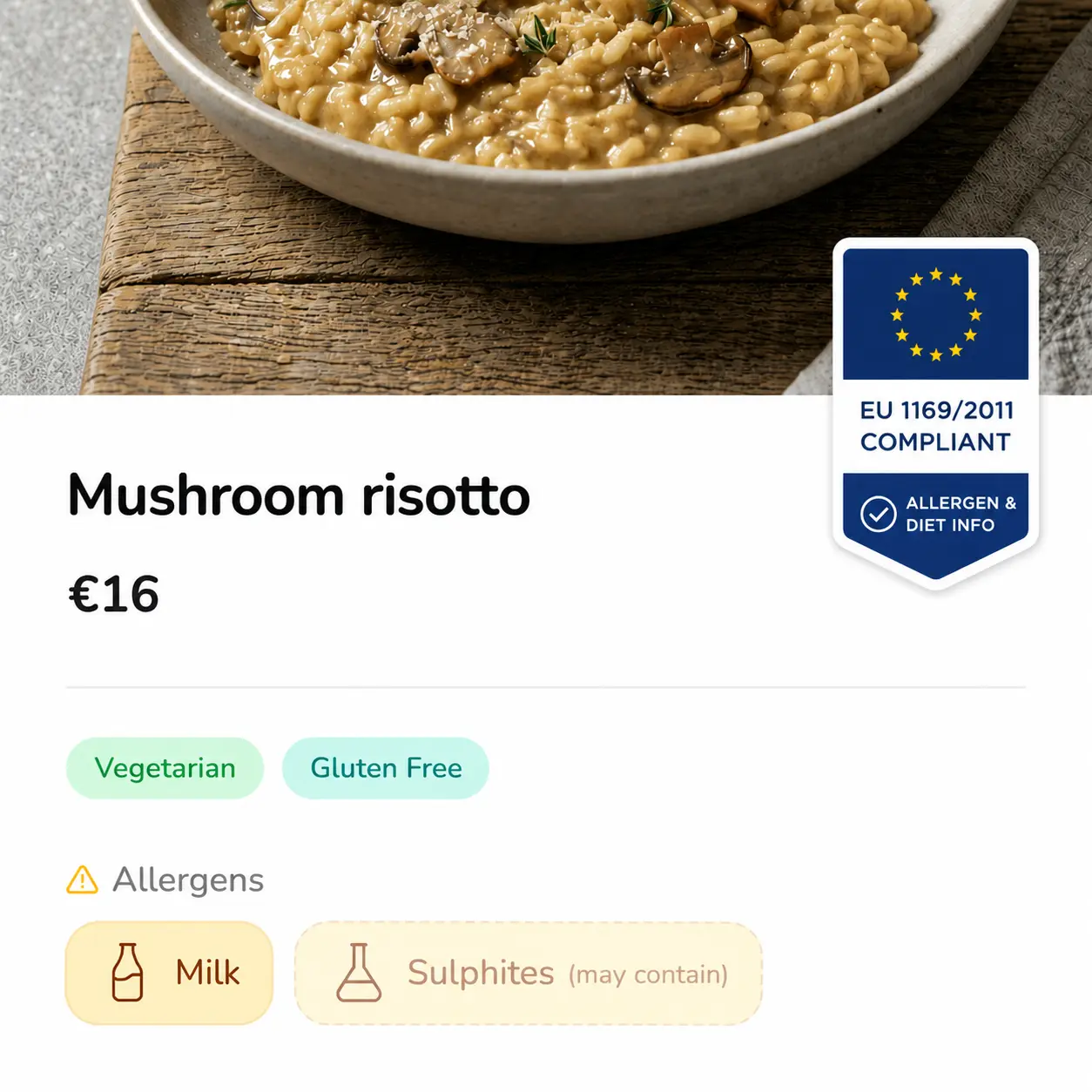
A dish card showing dietary tags plus EU-14 allergen severity marks

EU-14 ready

Allergen clarity

Mark contains and may-contain allergens beside dietary labels so staff and guests get the same reliable information.
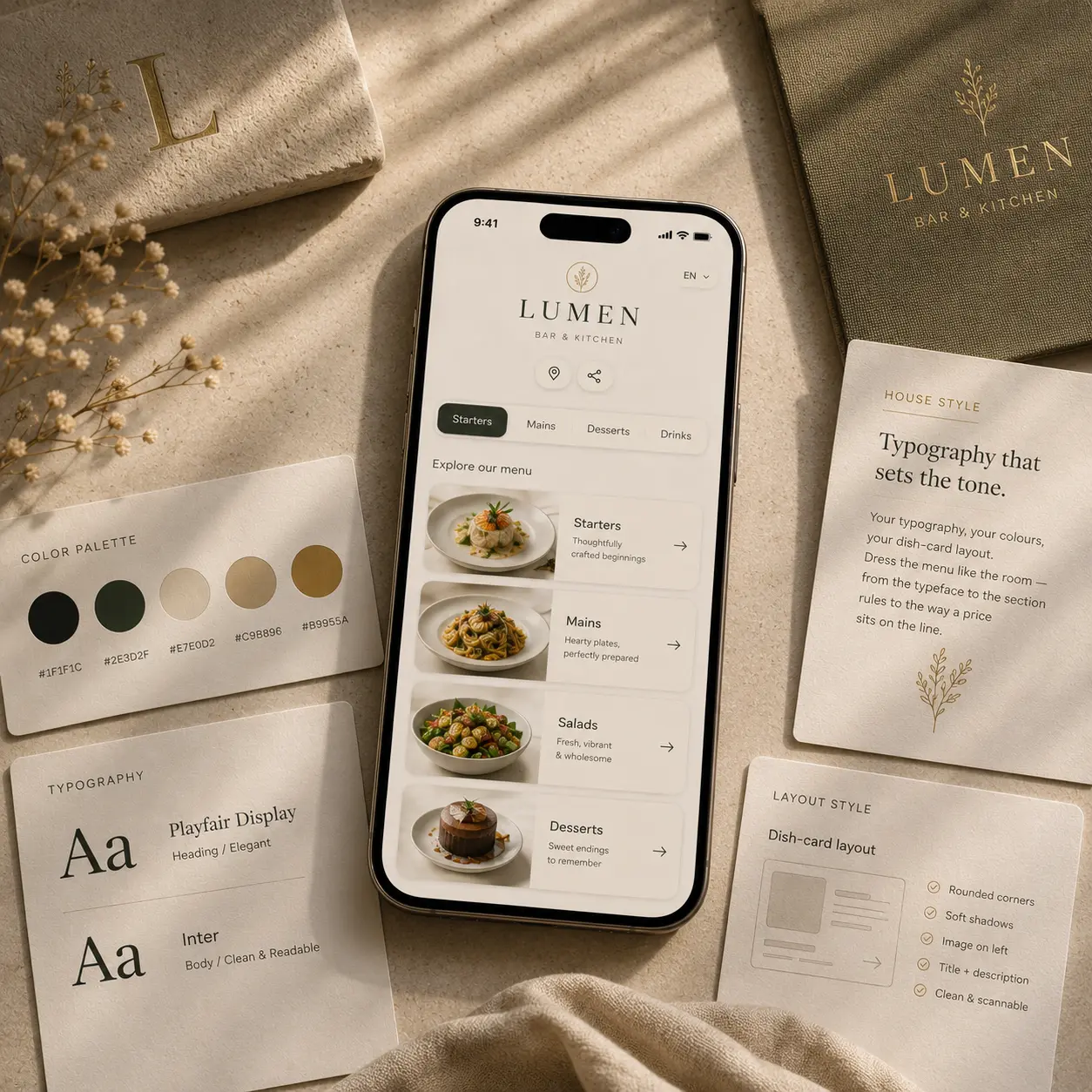
Theme editor showing font and colour customisation controls

Not a template

Brand control

Tune color, typography, logo, radius, and dish-card density until the menu feels like the restaurant, not a generic app.
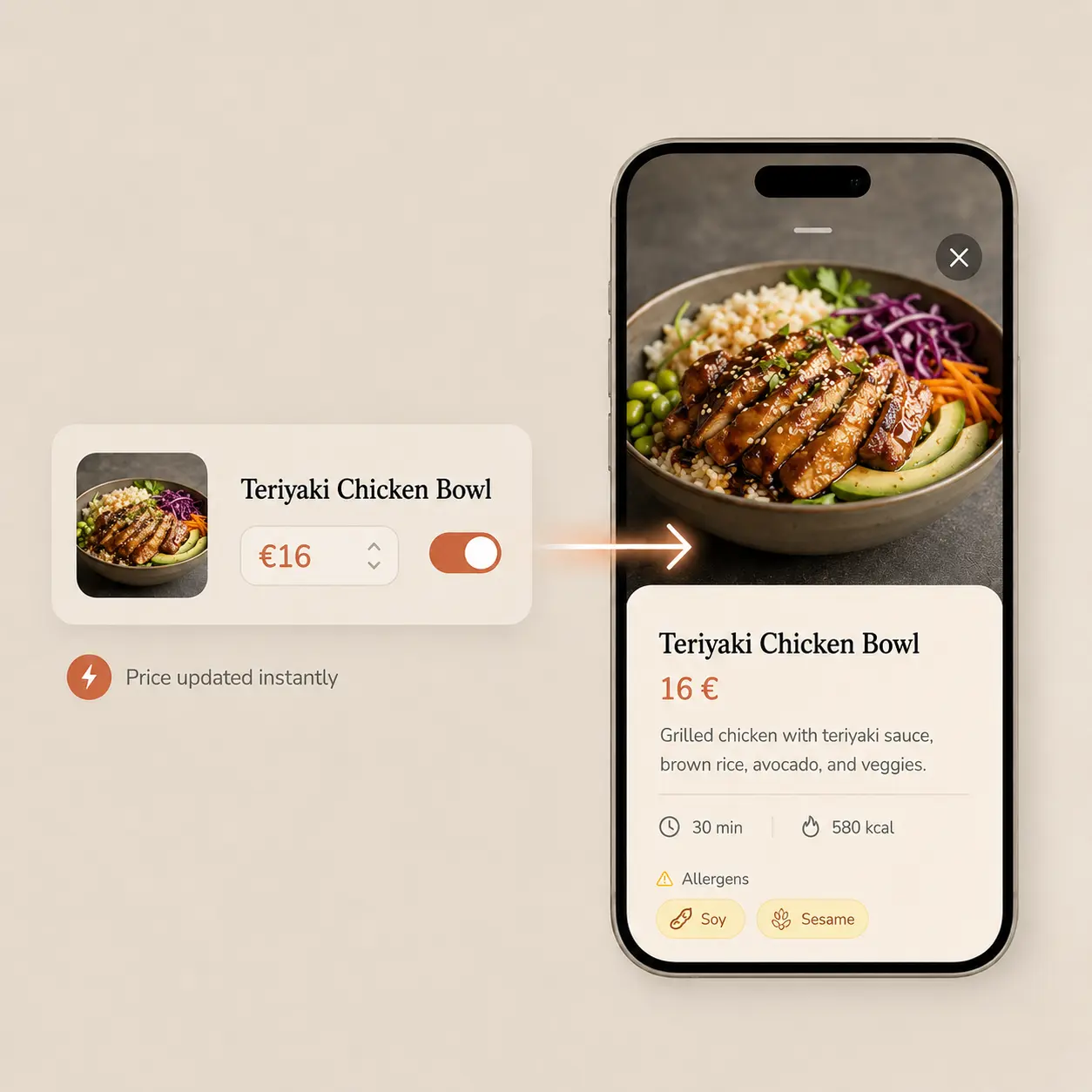
A price being edited in the dashboard with a live-preview phone beside it

Instant updates

Live service edits

Hide sold-out dishes, change prices, or publish a special while guests are already scanning the QR at the table.
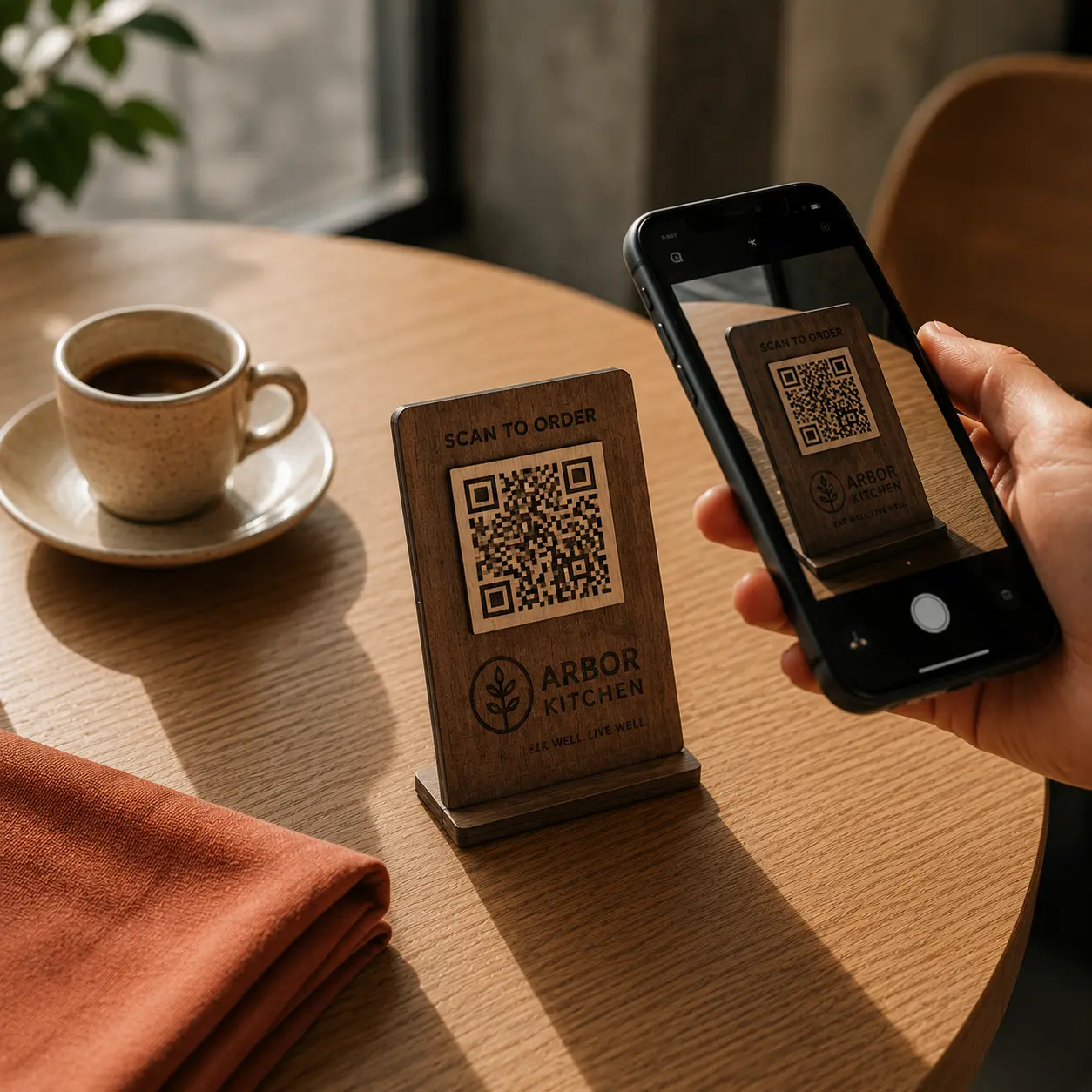
A printed QR code card on a restaurant table next to a glass

Print-ready

Table QRs

Generate clean table codes and send guests directly to the live menu, no app store, no PDF pinch-zooming.
Performance metrics showing sub-500ms menu load times

Pre-rendered

Fast scans

Responsive images, cached pages, and lightweight menu screens make the guest experience feel quick even on busy Wi-Fi.

For restaurants

A menu system that stays calm during service.

BreezyMenu is built for the practical middle of the day: when dishes sell out, prices move, guests ask about allergens, and the printed menu is already wrong.

Live in an afternoon
Guest-language ready
EU allergen ready

Build

Import the menu you already have.

Start with categories, dishes, prices, allergens, and photos. BreezyMenu keeps the operational details close to the dish, where staff expect them.

Style

Shape it around the room.

Choose type, color, layout, logo, and dish-card density so the QR experience feels like part of the restaurant instead of a template.

Serve

Print table QRs and update anytime.

Change a sold-out item or price once and every table sees the live menu instantly, without reprinting or republishing.

How fast can a restaurant go live?

Most venues can build the first usable version in one sitting: add dishes, choose the look, generate QRs, and start testing scans.

Can staff update the menu during service?

Yes. Hide sold-out dishes, update prices, add specials, or adjust labels without republishing a PDF or reprinting every table card.

Do guests need to install anything?

No. They scan the table QR and open the menu in the browser on any modern phone.

Ready for service

Make every scan feel on-brand.